
Your business phone on every device.
The ConnectUC app puts your business number on your computer and your cell: calls, texting, fax, voicemail, team chat and video meetings, in one place. It comes with UvoiceCloud, and we set it up and show your team how to use it.
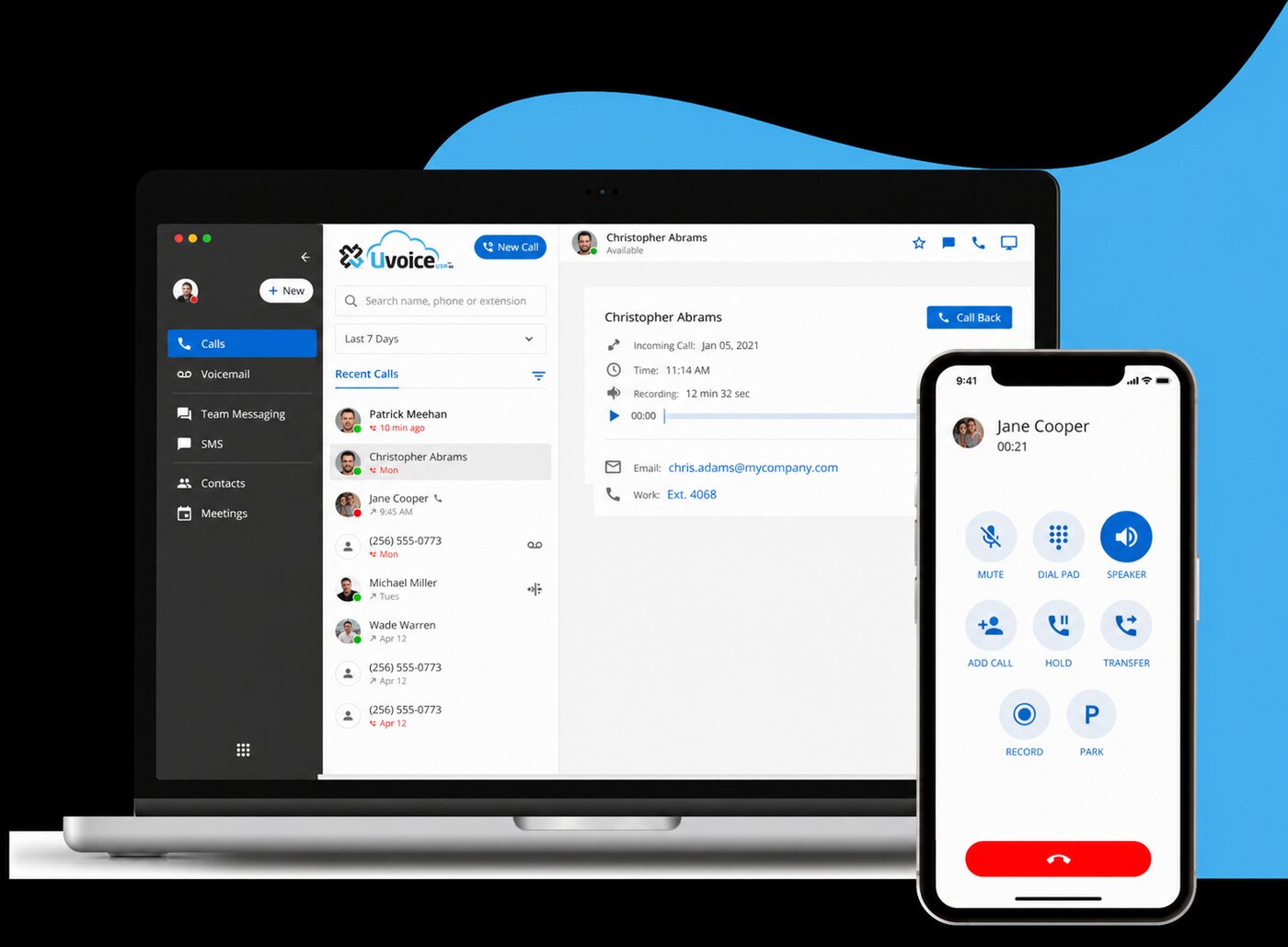
Your whole phone system on your computer.
- Call, transfer, park and record with one click
- See who's available or on a call before you transfer
- Text customers from your business number, with the whole conversation
- Send and receive faxes, saved as PDFs
- Voicemail, recordings and transcripts in one place
- Team chat and video meetings with co-workers
Your office line in your pocket.
- Make and take calls with your business caller ID
- Your desk phone, computer and cell ring together
- Text customers from the business number, not your personal cell
- Listen to voicemail and play back recorded calls
- Works on Wi-Fi or cellular data
- Your personal number stays private
See it in action
Call, text and fax from your business number on your computer or phone, and every recorded call is transcribed and summarized for you.
Desktop app for Mac and PC, mobile app for iPhone and Android. Example screens use made-up names.
| Received | Brightside DentalPatient referral · 3 pages | 10:42 AM | |
| Sent | Maple Street LawSigned agreement · 6 pages | 9:31 AM | |
| Received | Harbor Auto GroupPurchase order · 1 page | Yesterday | |
| Sent | Riverbend FarmsInvoice · 2 pages | Yesterday |
Sofia Thanks for calling, this is Sofia. How can I help?
Caller Hi, we're opening a second front desk and need two more phones.
Sofia Happy to help. I can have them set up and installed this week…
- Jeff L.AvailableChat
- Sofia R.On a call · 3:12Chat
- Kevin N.AvailableChat
- Maria L.In a meetingChat
Work from anywhere
Office, home or on the road, you answer the same business number with the same features.
Never miss a customer
Calls ring on every device at once, so whoever is free can pick up.
One conversation for the team
Texts and calls from the business number are shared, so anyone can pick up where a co-worker left off.
Keep your cell private
Customers see your business number, never your personal one.
Nothing extra to buy
The app comes with your UvoiceCloud users. Use it alone or alongside a desk phone.
Set up and trained by us
We install the app with your team and show them the buttons they'll actually use.
Questions
Does ConnectUC cost extra?
No. The app comes with your UvoiceCloud users.
Which devices does it work on?
Mac and Windows computers, iPhone and Android phones.
Do I still need a desk phone?
That's up to you. Some people use only the app; others use it alongside a Uvoice desk phone.
Can we text customers right away?
Business texting has to be registered with the carriers first. We handle the paperwork with you.
Who helps us get started?
We do. We set up the app with your team and you can call us any time with questions.
Example screens use made-up names.
Put your business number on every device
Build your system online, or tell us about your business and we'll suggest the right setup.